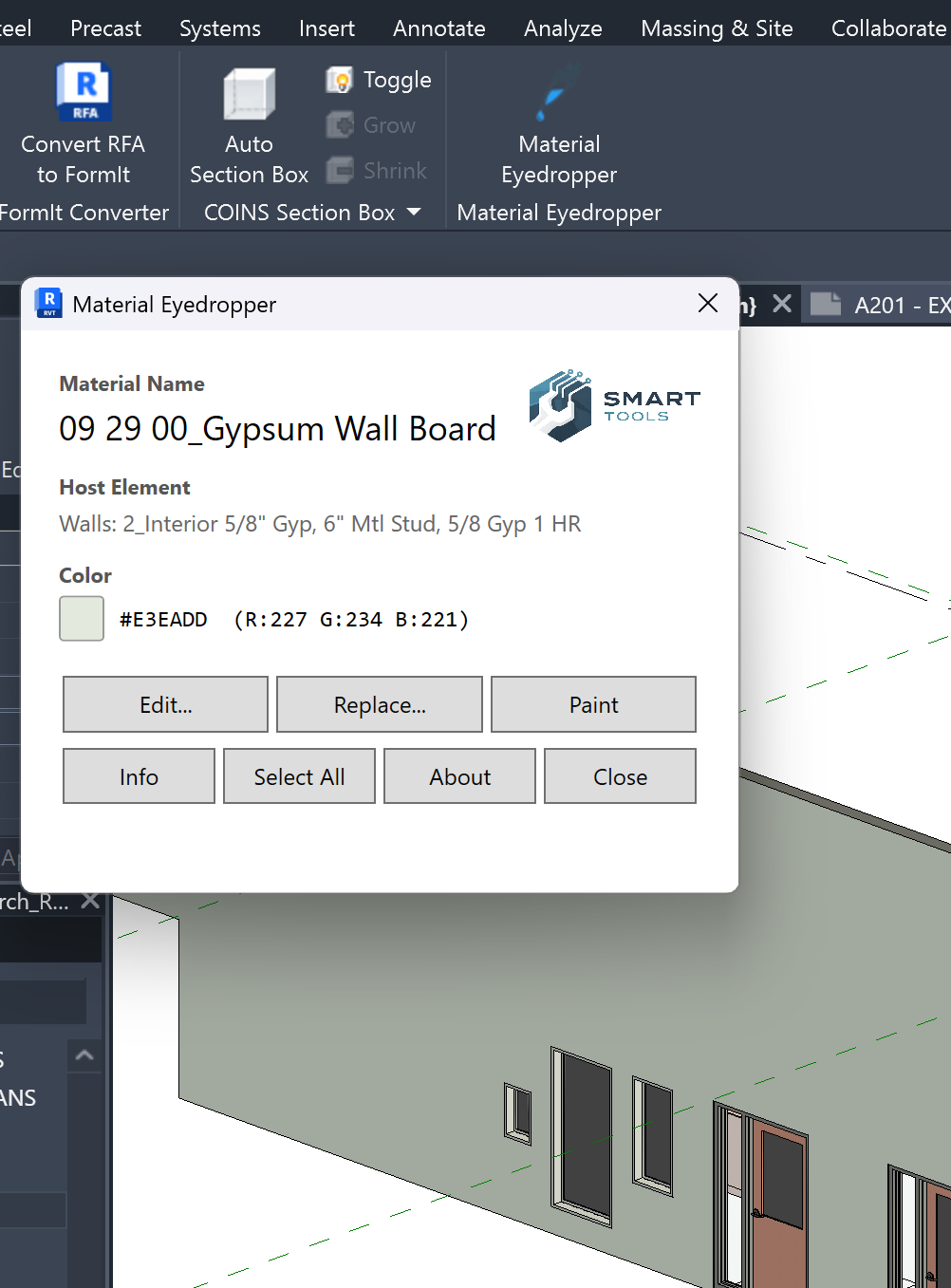
Material Eyedropper
You pick the material. You pick the target. One click, done. Supports Revit 2024–2027.
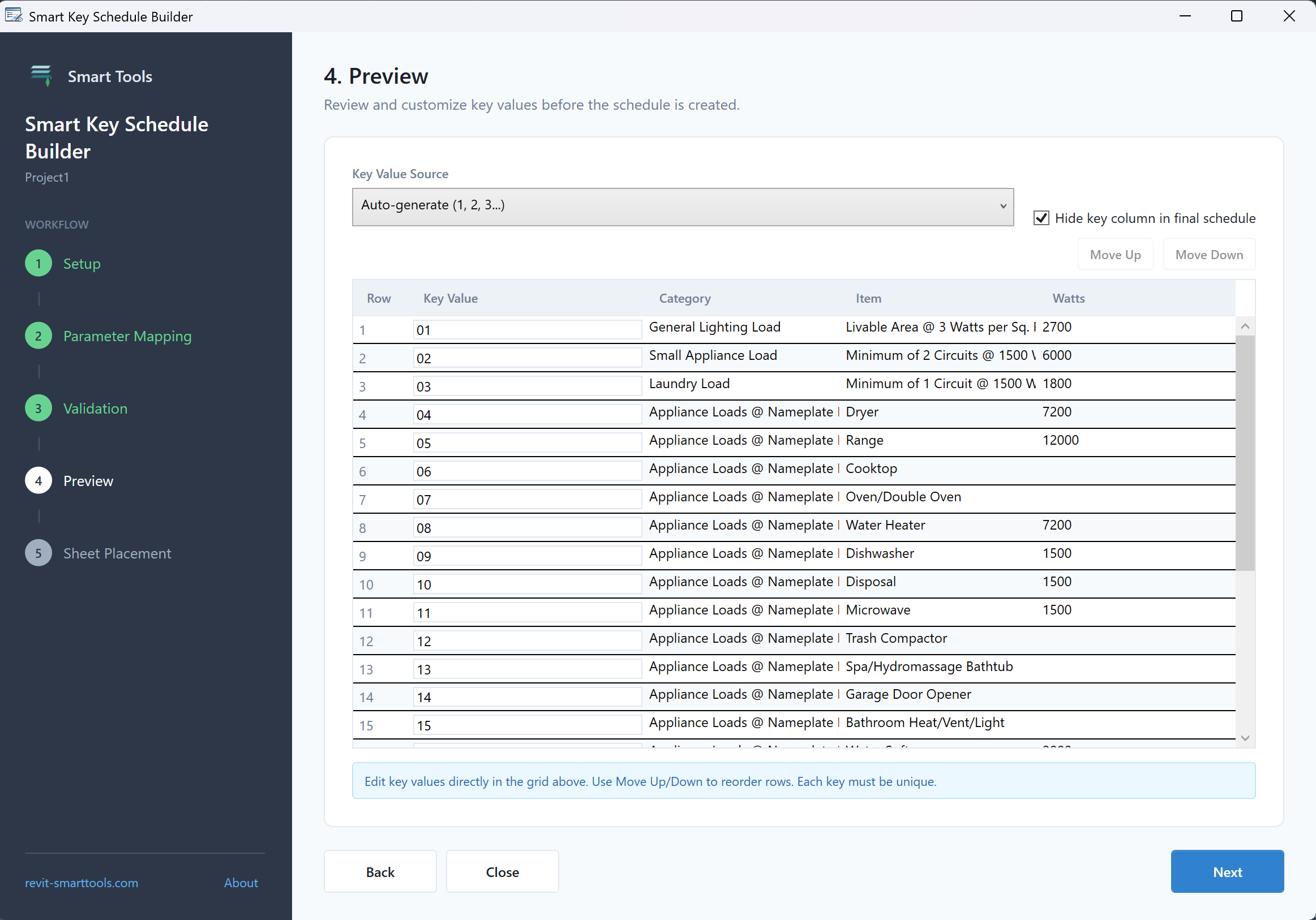
Key Schedule Builder
Turn an Excel spreadsheet into a Revit key schedule in seconds. Map columns, preview, and import — no manual entry.
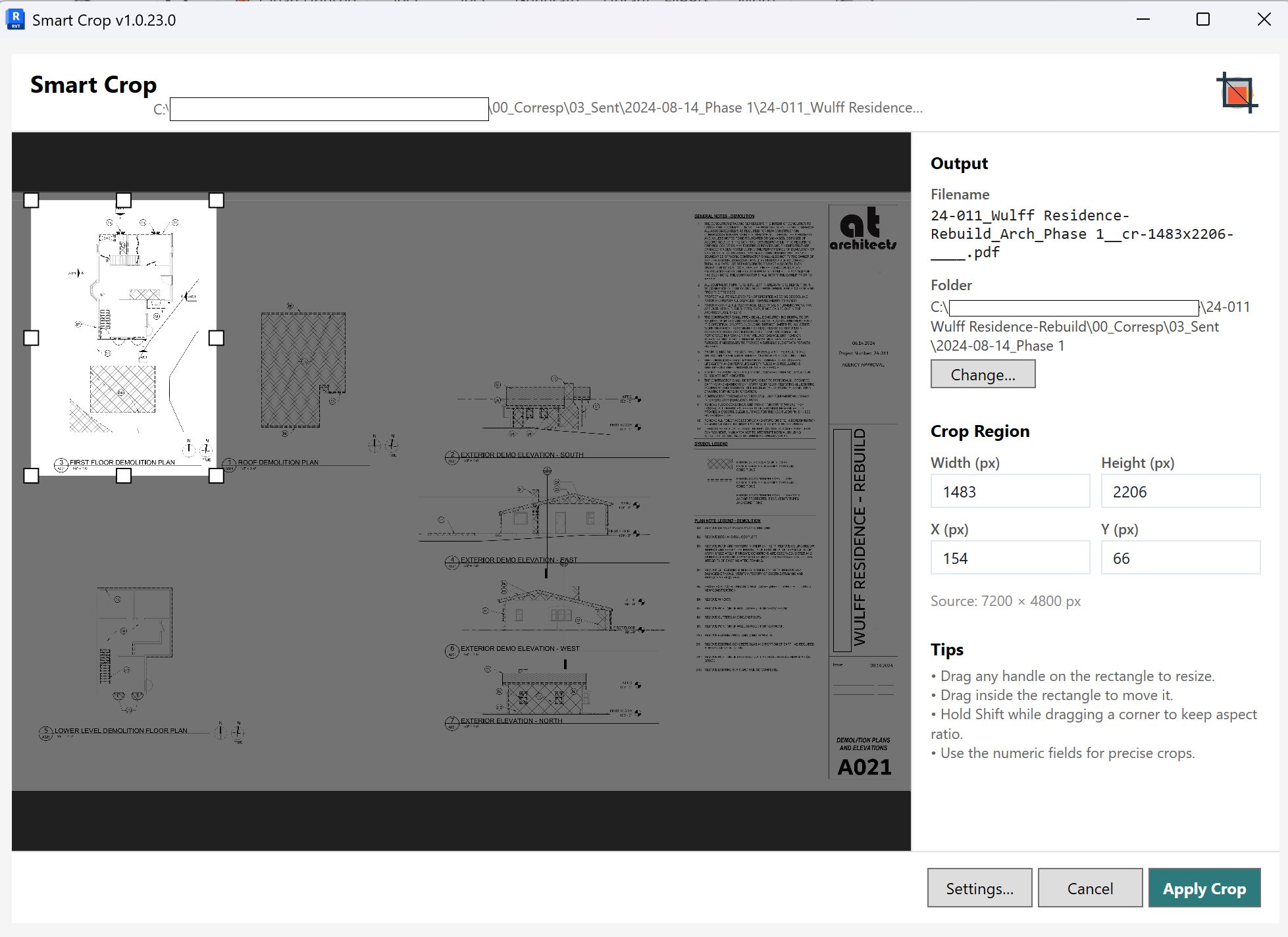
Smart Crop
Crop placed images and PDFs without leaving Revit. Non-destructive, preserves placement and approximate scale, and tracks every crop so you can reset or clean up later. Supports Revit 2025–2027.
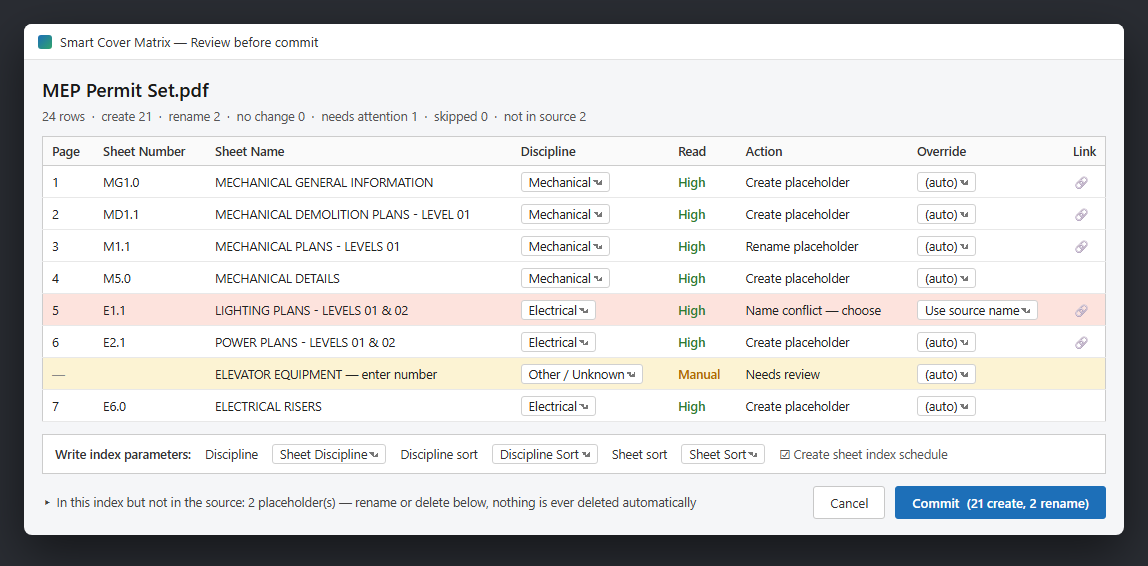
Smart Cover Matrix
Read a consultant PDF set or Excel sheet log and sync it into your Revit sheet index as placeholder sheets — review every value in an editable grid before anything touches your model. Writes discipline and sort parameters, builds a sorted cover-sheet schedule, and re-syncs cleanly at every milestone. Supports Revit 2025–2027.
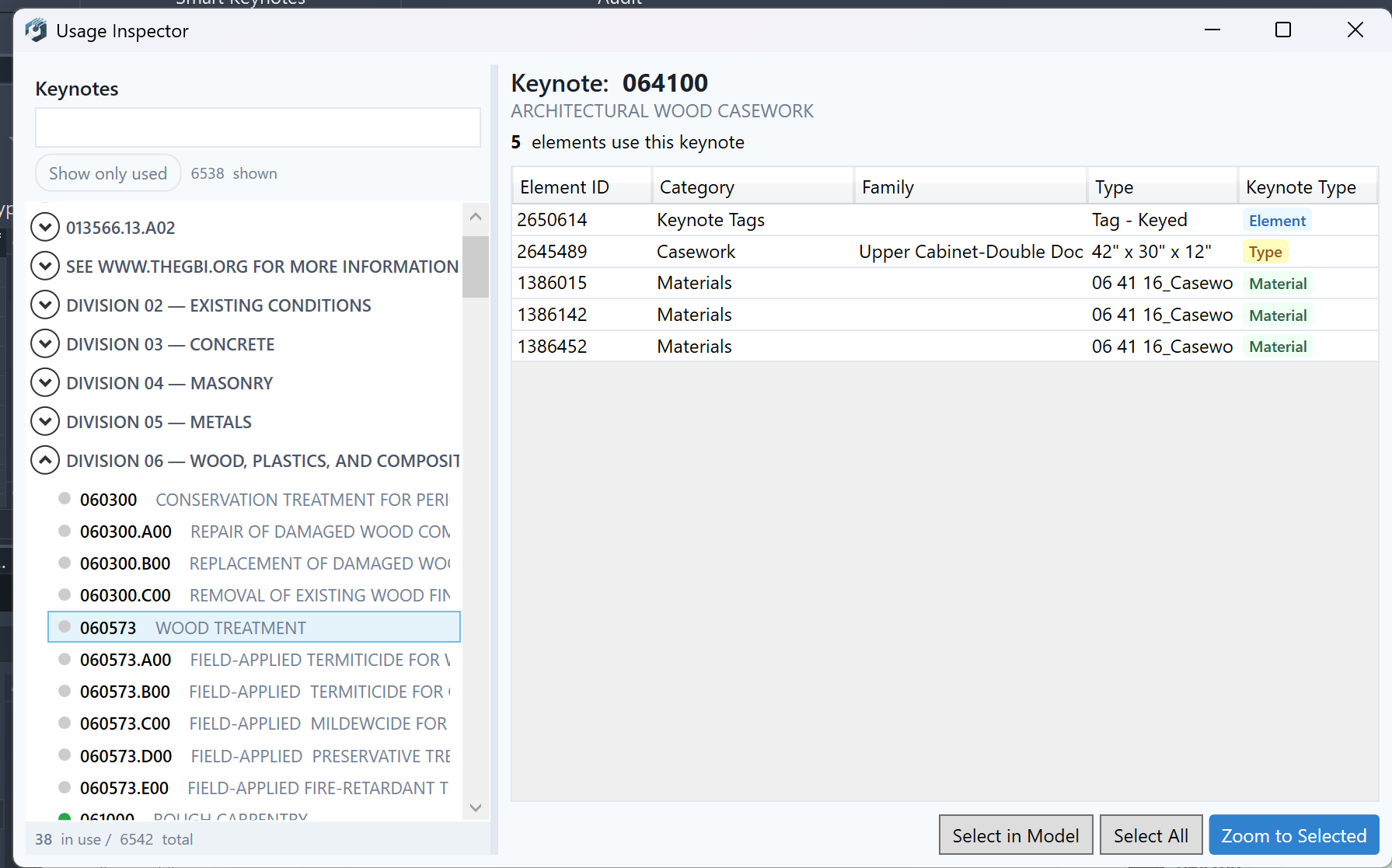
Usage Inspector
Know exactly which keynotes are placed, which elements carry them, and where they live in your model.
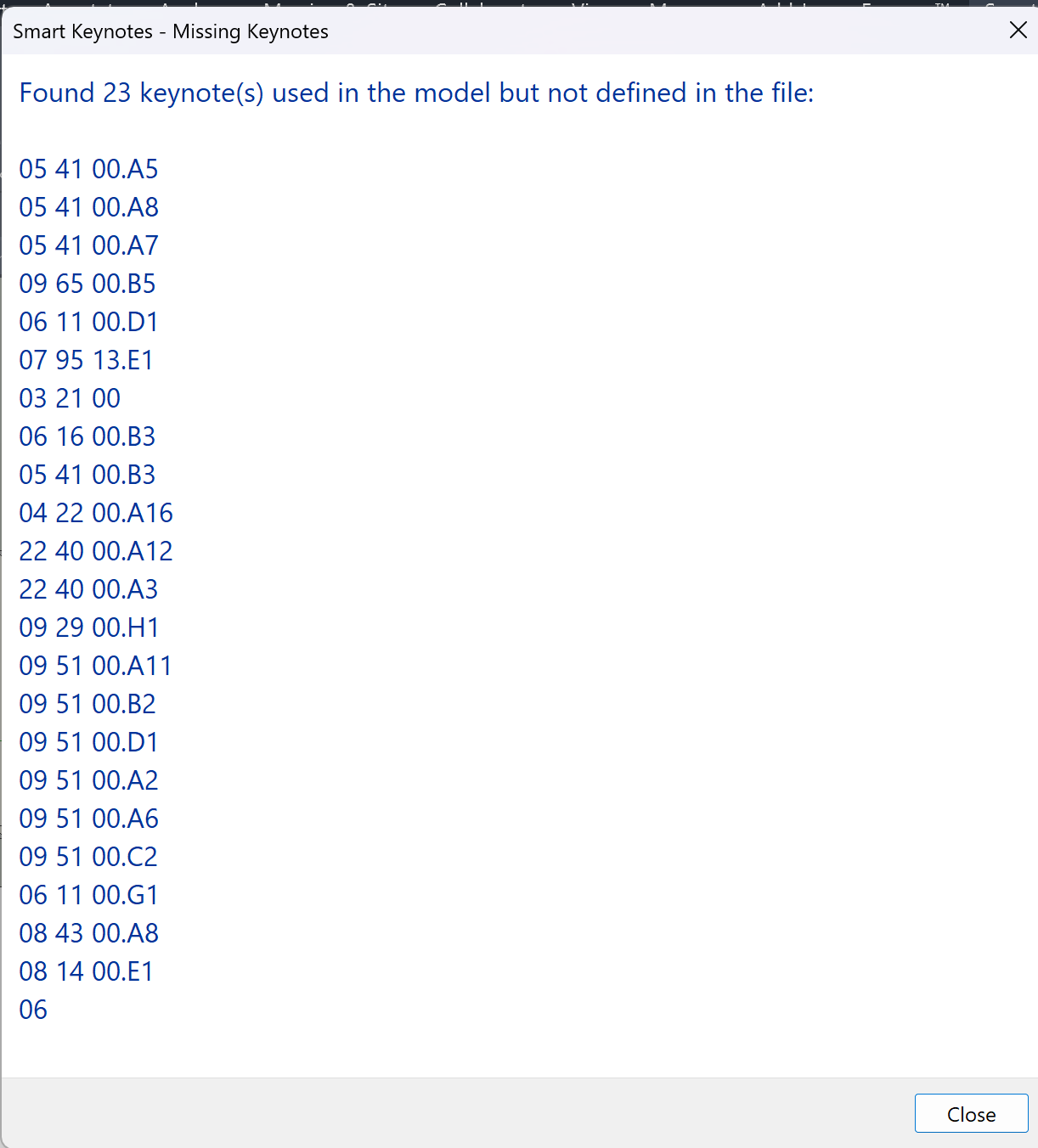
Missing Keynotes
Catch references to keynotes that don't exist in your file — before they show up on a sheet.
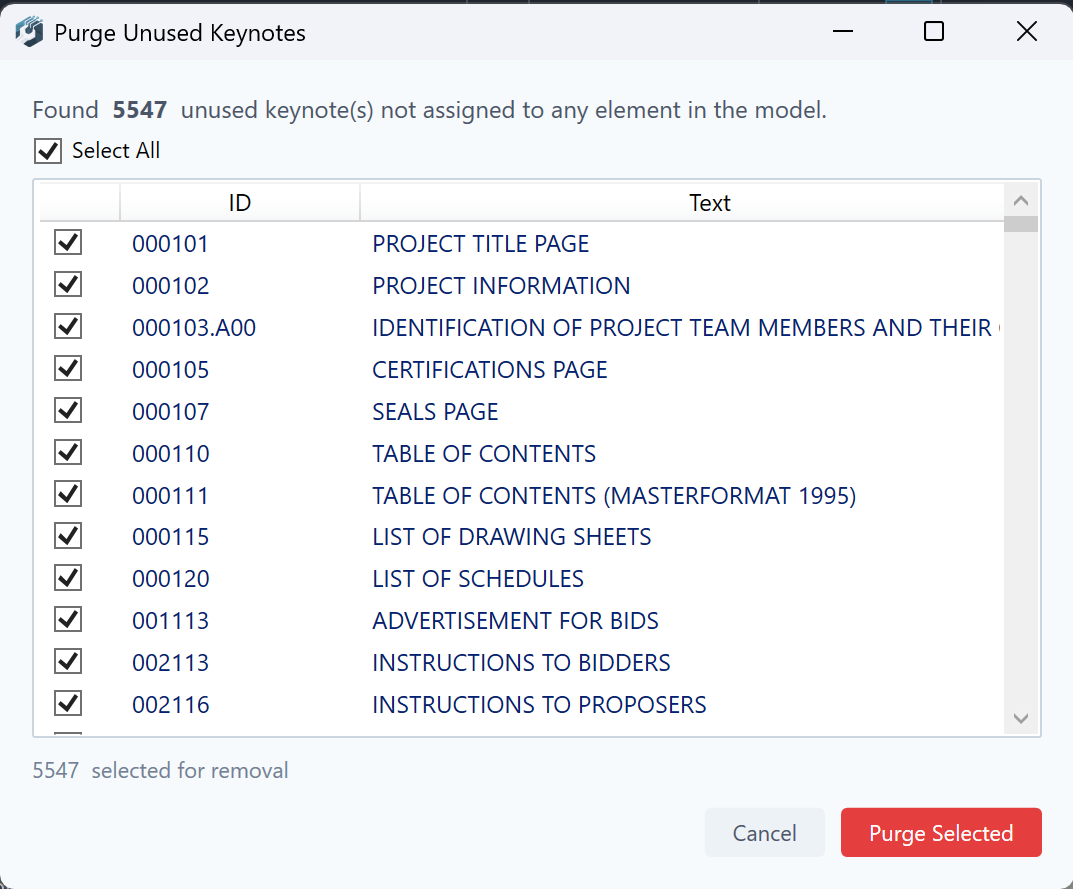
Purge Unused
You decide what stays. This shows you what's no longer placed so you can clean house.
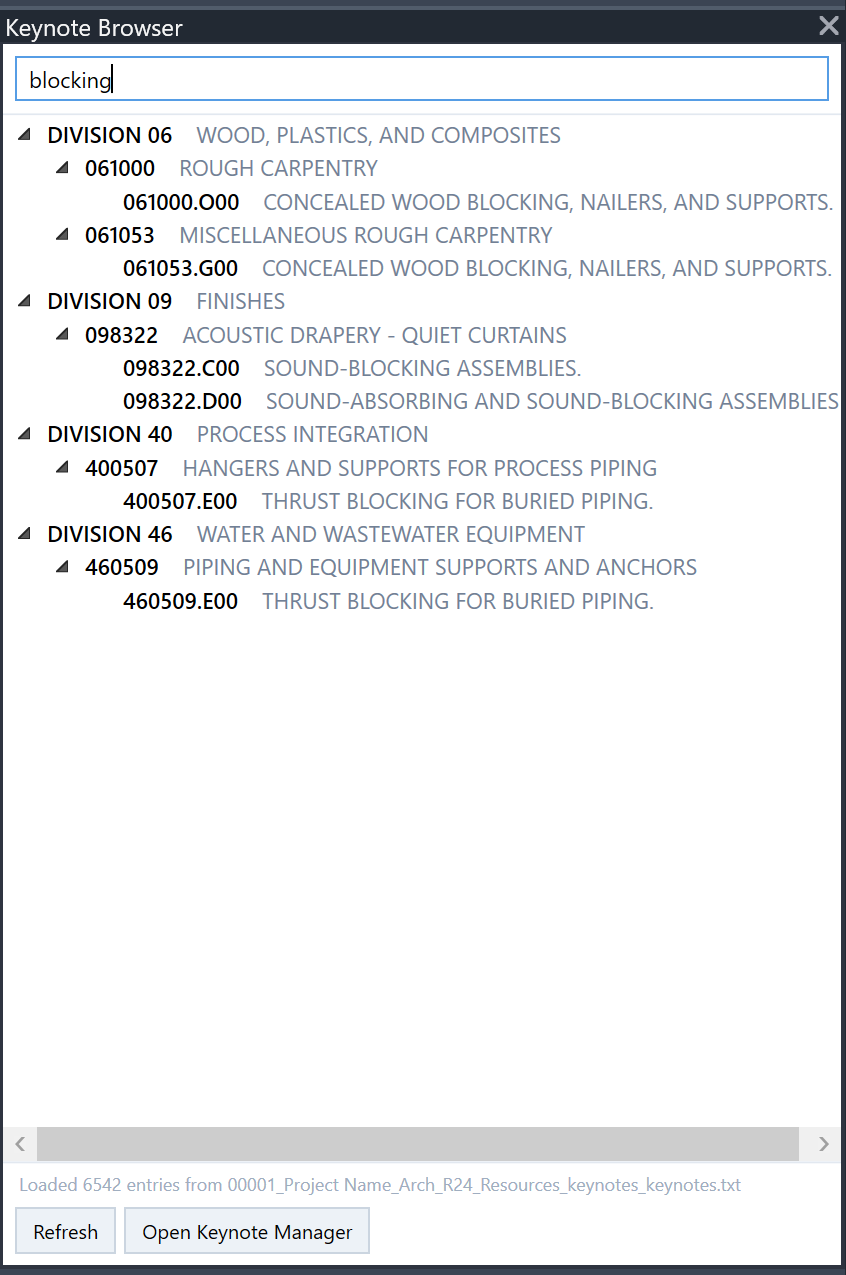
Keynote Browser
Your entire keynote file, searchable and docked right inside Revit. Browse it your way.
Get Your Free Download
Enter your name and email. We'll send the download link to your inbox — free forever, no trial, no credit card.
Ready to do more?
Smart Keynotes gives you full control — edit, organize, and assign keynotes without ever leaving your model.
Try Smart Keynotes